Setup & Configuration: Physical Device
To proceed with the tutorials for a physical device, you will need to download/install Android Studio, the official IDE for developing Android applications.
Android Studio
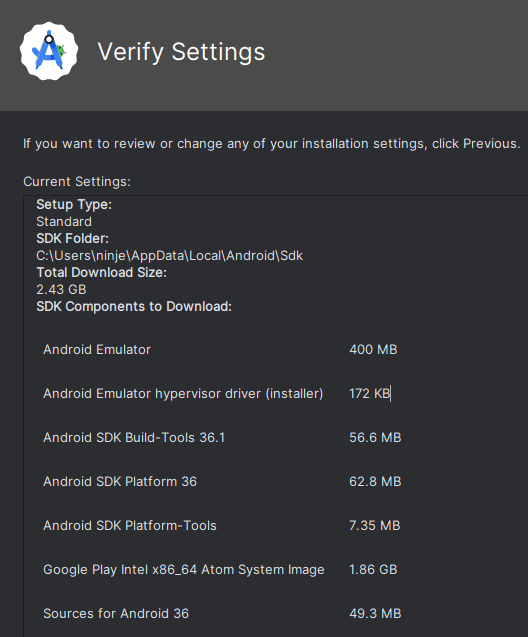
Android Studio is the official IDE for developing Android applications. It provides tools for building, testing, and debugging apps, and for managing virtual and physical devices. The Standard installation includes the Android SDK (Software Development Kit), which is the set of libraries, APIs, build tools, and emulator components needed to develop and run Android software.
NOTE
This tutorial was written using:
- Android Studio Otter 3 Feature Drop | 2025.2.3 RC 3 January 8, 2026. To download this release visit: https://developer.android.com/studio/archive
We recommend using the same version to ensure the instructions align.
Once Android Studio Otter 3 Feature Drop | 2025.2.3 RC 3 January 8, 2026 has been downloaded for your operating system, launch the installation wizard and select the Standard installation type.